Starter
€0
/ month
Explore Toolkit for free, at your own pace.
- 5 drawings
- 10 documents
- 50 tasks
- 50 issues
- 20 forms
- Unlimited users

Stay ahead of issues, avoid delays, and keep your projects on track.

Trusted by leading construction companies




Plan & track progress

Interactive drawings

Issue tracking
On-site inspections

Document management

Approval workflows
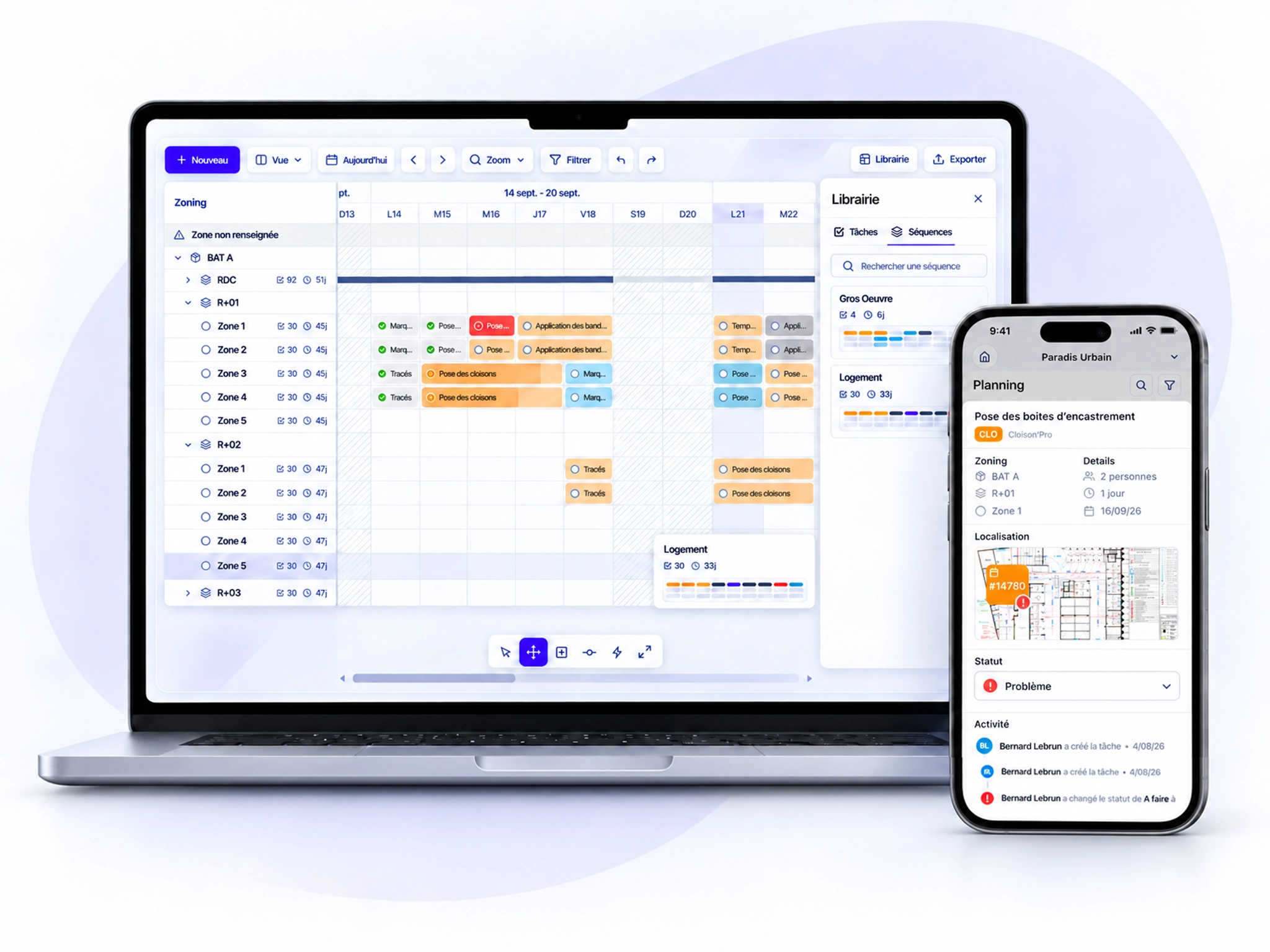
Create your schedule in minutes and track task progress in real time, from the office or directly on site.
AI-powered schedule creation and editing
Multiple views: Gantt, zones, trades and companies
Update tasks directly from the field
Real-time progress tracking
Field operations
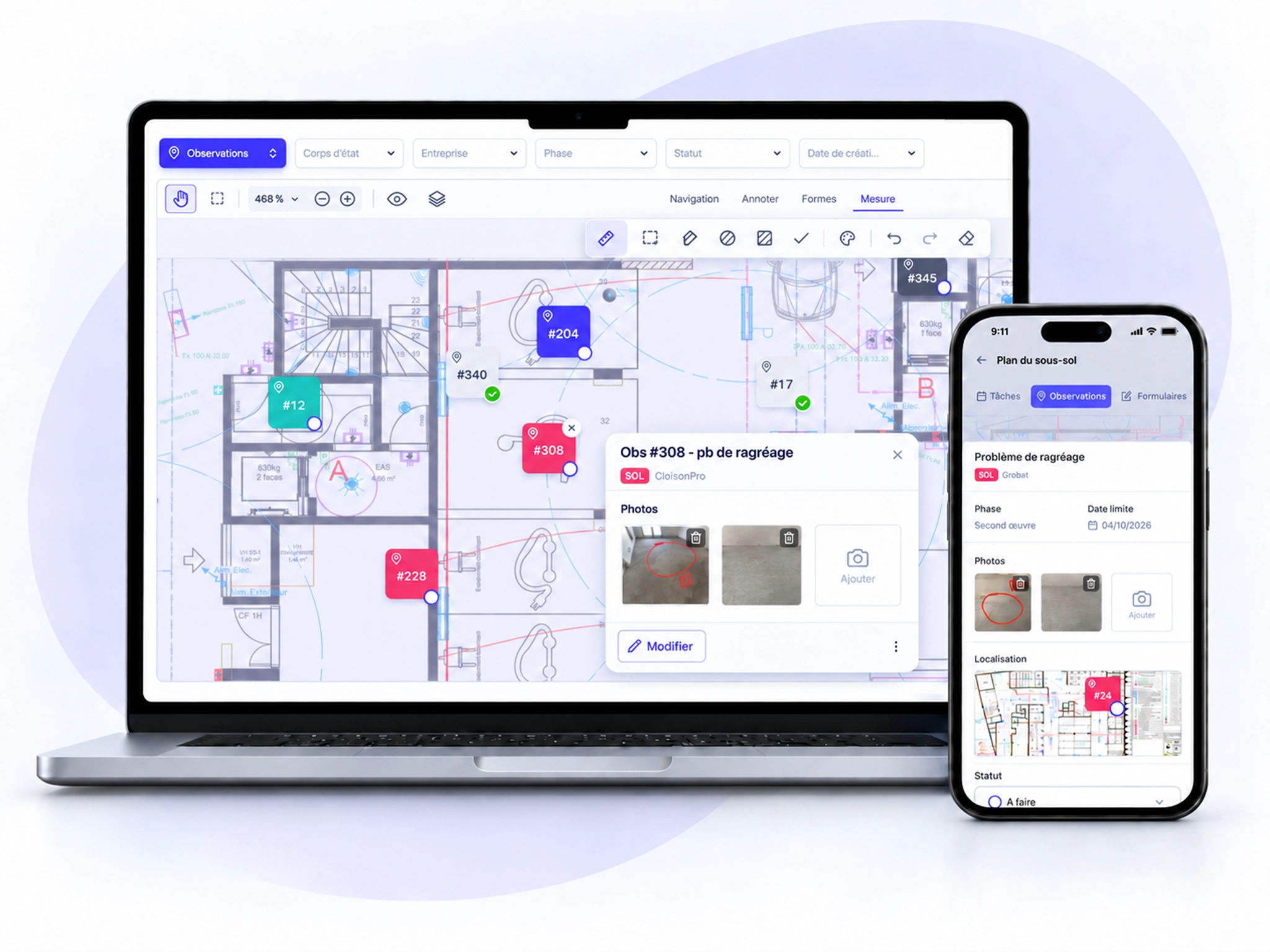
Access your drawings, report issues and complete inspections directly on site, from your computer or mobile.
Interactive drawings with measurements and plan comparison
Report, assign and track issues
Custom forms for quality, safety and inspections
Mobile app available offline
Documents & approvals
Organize your documents, automate approval requests and track responses, all in one platform.
Document naming and revision management
Automated approval requests
Track responses to approval requests
Notifications, reminders and scheduled reports
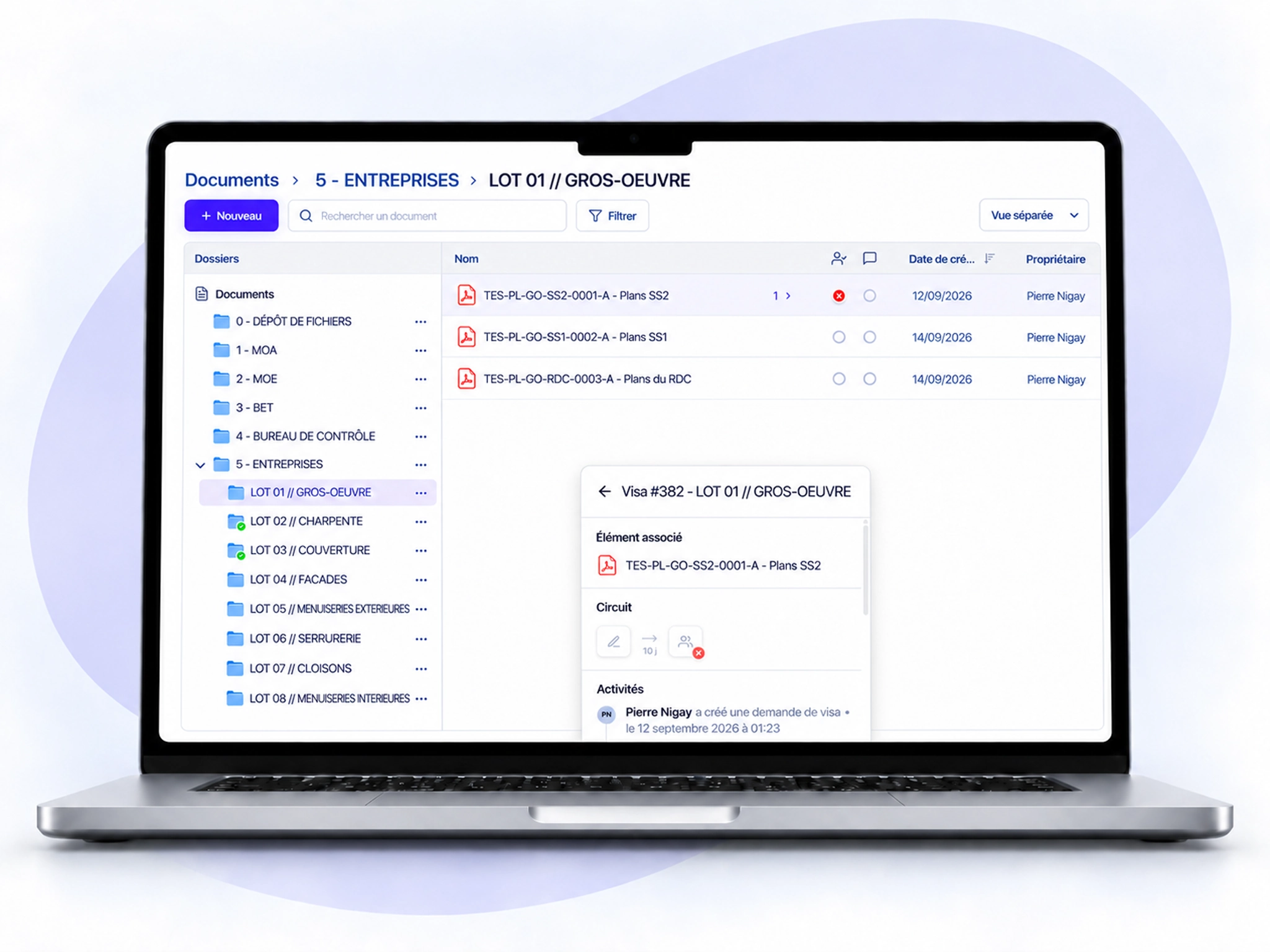
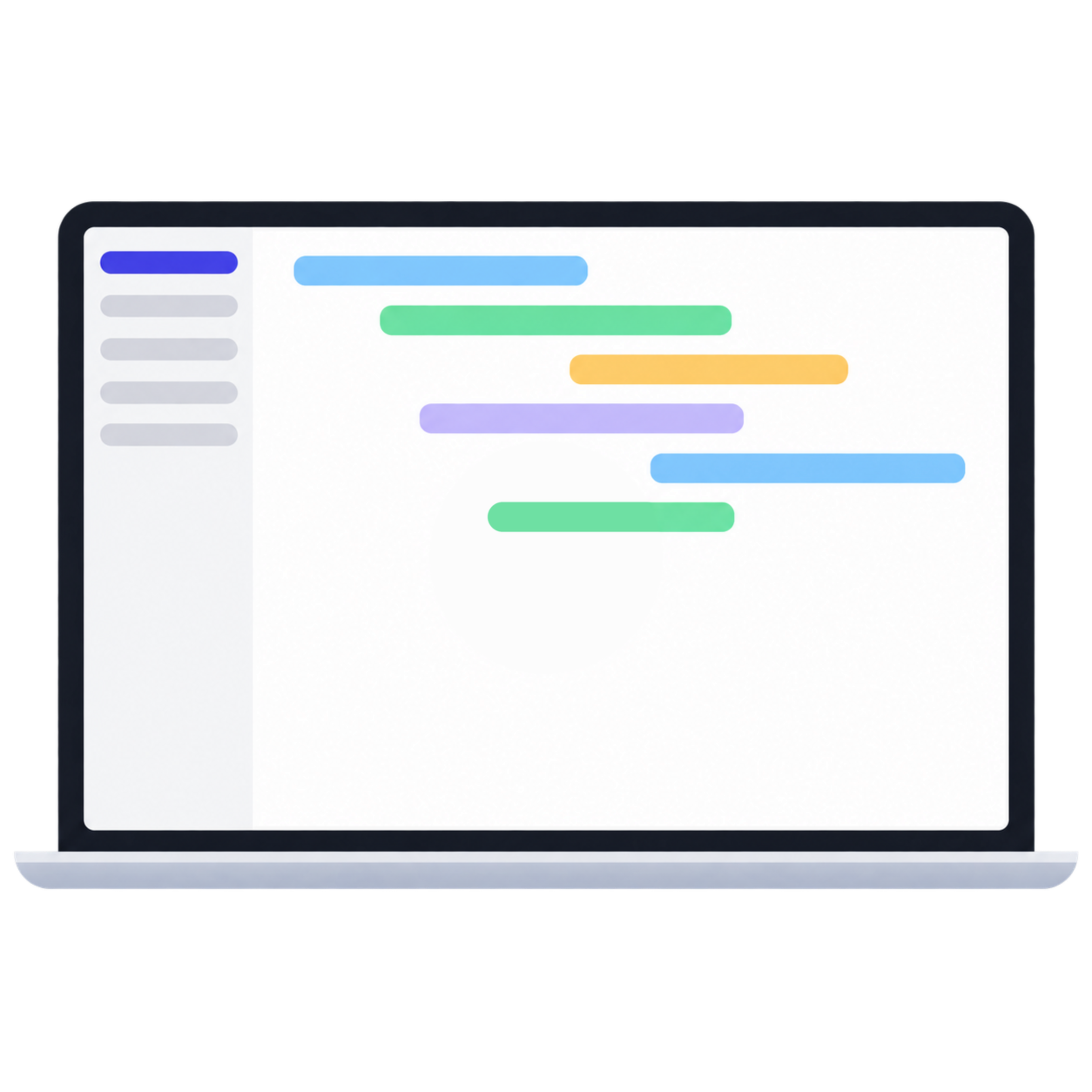
Watch a short demo to discover how Toolkit helps you manage your construction projects, from the office to the field.
“We build our schedule using task templates, take photos during site walks, and everything updates automatically. We know exactly where we stand.”
Florent
Site Engineer
PRICING
Choose the plan that fits your project.
MOST POPULAR
Not at all. Toolkit adapts to your existing workflows. Designed alongside construction professionals, it helps you manage your projects without changing the way your teams work.
No. Toolkit is easy to set up and use. You can get started on your own with our help center, video tutorials and step-by-step guides. Additional support is available if needed.
Yes. Toolkit works for projects of all sizes, from small renovations to large construction sites, including new builds and refurbishment projects.
Our support team is available to answer your questions and help you get the most out of Toolkit.